While working on a React project today, I was looking to copy a property passed down to a component. After searching around, I found out it’s surprisingly easy.
- Open up the
React Developer Tools
tab within the Chrome inspector.
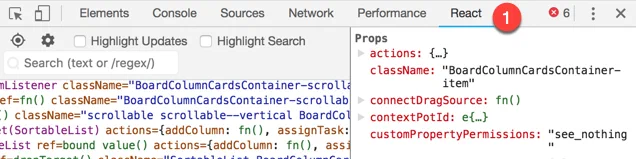
- Select the component or element that contains the property you want to copy.
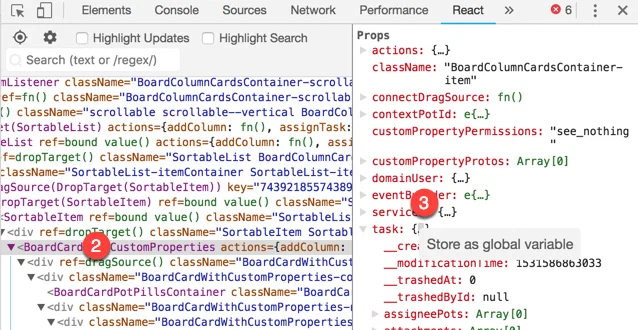
- Right-click the
{…}and select Store as global variable from the menu. - Navigate to the console tab.
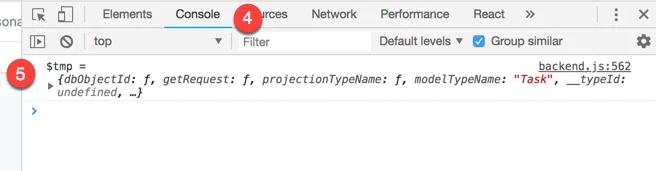
- You will notice a global variable was added with a naming convention similar
to
$tmportemp1. - Copy the value to your clipboard by typing
copy($tmp)into the console.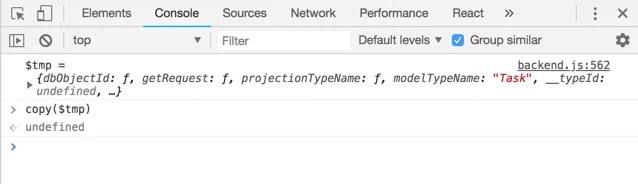
What’s great about this trick is almost any value that has the {…} beside it
within the Chrome inspector can be set as a global variable. Therefore, this
method is not limited to the React Developer Tools.